
How to Listen to Spotify Music Offline: MP3 Alternatives, Downloads and What You Need to Know
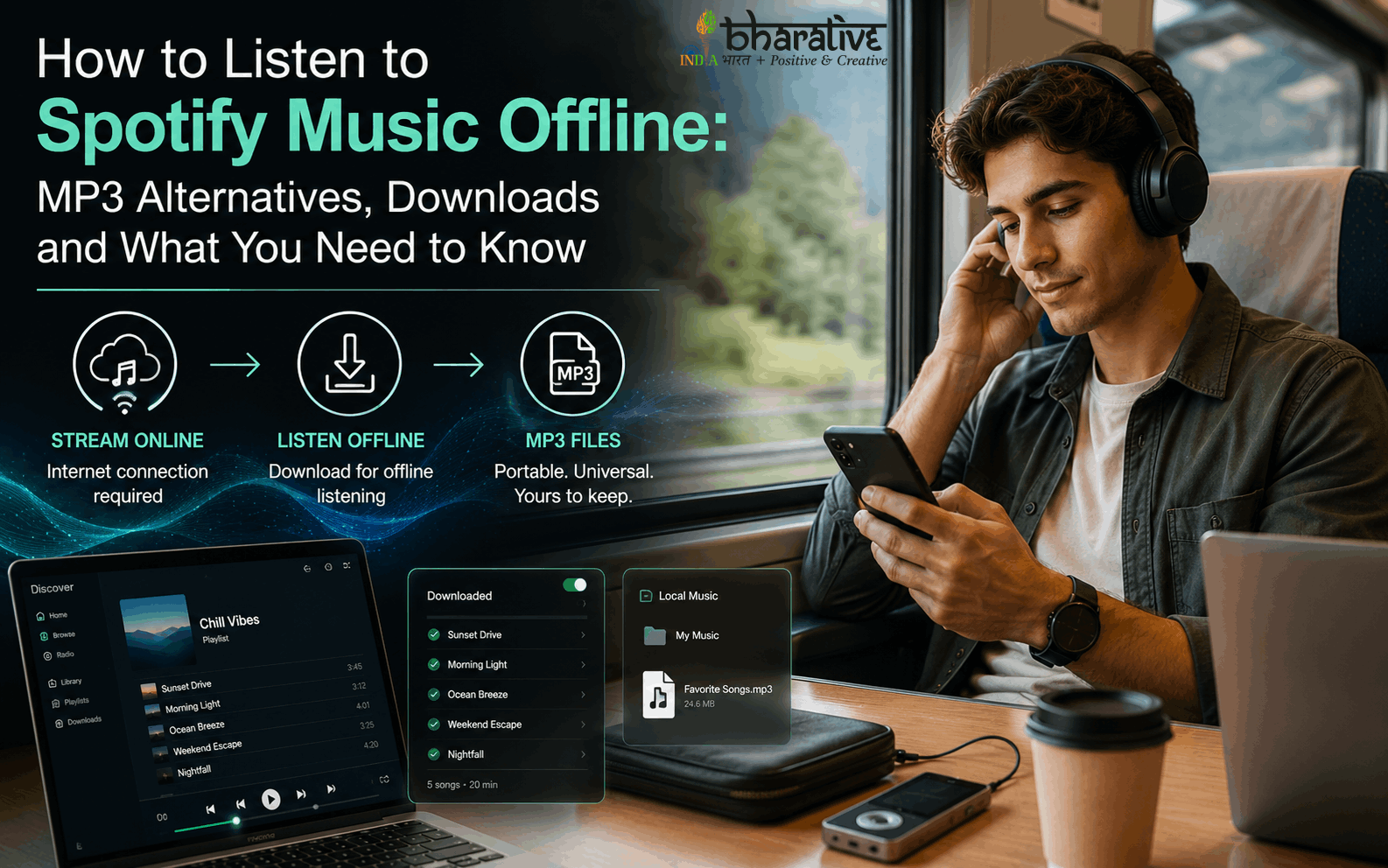
Spotify has become one of the most popular ways to discover and stream music, offering millions of songs, playlists, albums, podcasts, and personalized recommendations. However, users often ask an important question: Can Spotify songs be converted into MP3 files for offline listening?
The answer requires an important distinction. Spotify provides an official offline-download feature for eligible Premium users, but these downloads remain part of the Spotify ecosystem rather than becoming ordinary MP3 files that can be freely moved to USB drives, MP3 players, or other media applications. Spotify states that Premium users can download albums, playlists, and podcasts for offline playback, while downloaded content needs periodic online verification.
If your goal is simply to enjoy music without an internet connection, Spotify’s built-in offline mode is the safest and most straightforward solution. If you specifically need portable MP3 files, the appropriate route is to obtain music from a service or source that legally provides downloadable audio files.
This guide explains the difference between Spotify offline downloads and standard MP3 files, how Spotify’s official offline feature works, and what to consider before using third-party conversion services.
Why Do People Want Spotify Music in MP3 Format?
MP3 remains one of the most widely supported audio formats. Standard MP3 files can generally be stored locally and played through compatible media players, car stereos, computers, smartphones, and other devices.
Users may want MP3 files because they offer:
- Broad device compatibility
- Easy local storage
- Transferability between compatible devices
- Support for many car audio systems
- Compatibility with traditional media players
- Control over a personally owned music collection
However, streaming access and ownership of an audio file are not the same thing.
Spotify provides licensed access to music through its service. Its terms state that the service and its content are licensed rather than sold, and users are not permitted to redistribute, sell, or transfer Spotify content.
Spotify Downloads vs. MP3 Files
One of the most common misconceptions is that selecting Spotify’s download button creates a conventional MP3 file.
It does not.
Spotify’s official downloads are designed for playback within Spotify. On supported Premium plans, users can download albums and playlists for offline listening. Spotify also notes that downloaded content can be removed if certain conditions occur, such as not going online for 30 days, reinstalling the app, or exceeding the device limit.
Spotify Offline Downloads
- Designed for playback inside Spotify
- Available to eligible Premium users
- Useful when traveling without an internet connection
- Can be downloaded to supported devices
- Subject to Spotify’s service requirements
- Not intended as ordinary MP3 files for redistribution or transfer
Standard MP3 Files
- Stored as ordinary audio files
- Can work with compatible media players
- Can generally be organized through normal file-management systems
- May be transferred between compatible devices when the user has the necessary rights
- Can come from legitimate music stores, artists, labels, or other authorized sources
The distinction is important when choosing an offline listening method.
Method 1: Use Spotify’s Official Offline Download Feature
For most Spotify users, the simplest solution is to use the platform’s built-in offline functionality.
Spotify currently allows eligible Premium users to download albums, playlists, and podcasts for offline playback. On mobile and desktop, the process is handled directly through the Spotify application.
Step 1: Open Spotify
Launch the Spotify application on your supported smartphone, tablet, or computer.
Make sure you are connected to the internet before starting the download.
Step 2: Select a Playlist or Album
Find the playlist or album you want to listen to offline.
Spotify notes that individual songs can be added to a playlist and then downloaded as part of that playlist.
Step 3: Select Download
Choose the download option available within Spotify.
The application will begin saving the content for offline playback.
Step 4: Listen Without an Internet Connection
Once the content has been downloaded, you can use Spotify’s offline functionality when you do not have a reliable internet connection.
Spotify also provides an Offline Mode setting that can help ensure the app plays only downloaded content.
How Long Do Spotify Offline Downloads Last?
Spotify’s offline downloads are not equivalent to permanently owning MP3 files.
According to Spotify’s support documentation, Premium users need to connect to the internet at least once every 30 days to keep downloaded music available. Downloads may also disappear after reinstalling the application or when certain device limits are reached.
This is one of the biggest differences between a streaming-service download and a locally purchased audio file.
How Many Songs Can You Download?
Spotify currently states that Premium users can download up to 10,000 tracks on each of up to five different devices. The exact availability of features can depend on the user’s plan and region.
For most listeners, this provides more than enough capacity for travel playlists, albums, podcasts, and regular offline listening.
What If You Specifically Need MP3 Files?
If you need an actual MP3 file rather than Spotify’s offline playback feature, the better approach is to obtain the music from a legitimate source that provides downloadable audio.
Depending on the artist and release, legal options may include:
- Purchasing digital downloads from authorized music stores
- Buying music directly from artists or labels
- Downloading music that an artist has officially released for free
- Using royalty-free or Creative Commons music where the license permits downloading
- Purchasing physical music and creating personal digital copies where permitted by applicable law
This approach provides much greater control over your local music library without attempting to bypass the access restrictions of a streaming platform.
Are Online Spotify-to-MP3 Converters Safe?
Search results frequently contain websites claiming to convert Spotify links directly into MP3 files.
Users should approach these services carefully.
Apart from questions about copyright and licensing, third-party download sites can expose visitors to misleading advertisements, unwanted downloads, phishing attempts, or requests for account credentials.
A safer general rule is:
Never provide your Spotify password to an unofficial converter or downloader.
Spotify’s terms also state that account credentials should be kept confidential.
Before using any third-party music service, check:
- Whether the service has legitimate rights to distribute the audio
- Whether it clearly explains its licensing model
- Whether it asks for your Spotify password
- Whether downloads contain unexpected software
- Whether the service complies with applicable copyright law
- Whether the source is an authorized music distributor
Does Spotify Offline Listening Reduce Audio Quality?
Spotify provides different audio-quality settings, and the available quality can depend on the user’s plan and device.
Offline playback itself is designed to let users continue listening without an active internet connection. If audio quality matters to you, check Spotify’s current audio-quality settings and the options available under your subscription.
For listeners who simply want reliable music while traveling, commuting, or dealing with limited connectivity, Spotify’s official offline feature can be a convenient solution.
Can You Transfer Spotify Downloads to a USB Drive?
Spotify’s official downloads are not intended to function as ordinary MP3 files that can simply be copied to a USB drive.
If you need music files for a USB drive, car stereo, standalone MP3 player, or another media system, use audio files obtained through an authorized download source that permits such use.
This distinction can save users considerable time and prevent them from relying on unsupported conversion tools.
Can You Play Spotify Music in Your Car Offline?
Yes. If your vehicle supports the Spotify application or a compatible connection method, you can use Spotify’s official offline functionality to listen without mobile data.
For cars with USB-based MP3 playback, however, Spotify’s app downloads should not be confused with standard MP3 files. If your car requires actual MP3 files, obtain compatible music files through a legitimate downloadable music source.
Can Spotify Playlists Be Downloaded for Offline Listening?
Yes. Spotify’s official Premium offline feature supports playlist downloads. Spotify recommends downloading playlists when users want individual songs available for offline listening.
A convenient workflow is:
- Create or open a playlist.
- Add the songs you want.
- Select the download option.
- Wait for the download to complete.
- Enable Offline Mode when needed.
This is particularly useful for flights, road trips, commuting, and locations with weak connectivity.
Why You Should Avoid Sharing Downloaded Music
Spotify’s terms explain that the service is provided for personal, non-commercial use and that users agree not to redistribute, sell, or transfer the service or its content.
Therefore, even if a third-party service claims to create an MP3 from a Spotify track, that does not automatically mean the resulting file is authorized for sharing or redistribution.
Always consider the rights attached to the music before copying, uploading, sharing, or distributing audio.
Best Option for Different Listening Needs
| Your Goal | Recommended Approach |
|---|---|
| Listen without internet | Spotify’s official offline downloads |
| Save playlists for travel | Download playlists inside Spotify |
| Play purchased music on multiple compatible devices | Use authorized downloadable audio files |
| Create a USB music collection | Use legally obtained MP3/audio files |
| Use an older MP3 player | Purchase or obtain compatible downloadable files |
| Listen to Spotify on a phone offline | Spotify Premium offline mode |
| Share music with others | Use properly licensed or authorized music |
Tips for a Better Offline Listening Experience
Download Over Wi-Fi
Large music libraries can use substantial data. Spotify itself recommends Wi-Fi for downloading when possible.
Keep Enough Storage Available
Offline music consumes device storage. Spotify recommends maintaining adequate free space for downloads and app operation.
Check Downloads Before Traveling
Don’t wait until you’re already offline. Open the relevant playlists and confirm that the download has completed before leaving home.
Keep Spotify Updated
If downloaded content behaves unexpectedly, updating the application and checking your account and storage settings can help resolve common problems.
Avoid Unofficial Account Requests
Never give your Spotify username and password to an unknown converter, downloader, or website.
Frequently Asked Questions
Can Spotify songs officially be downloaded as MP3?
Spotify’s official offline feature is designed for in-app offline playback rather than exporting tracks as standard MP3 files.
Can I listen to Spotify music offline?
Yes. Eligible Premium users can download albums and playlists and listen without an active internet connection. Spotify requires users to connect online periodically to maintain downloads.
Can Spotify downloads be moved to a USB drive?
Spotify’s app downloads are not ordinary MP3 files designed for USB transfer. For USB playback, use legally obtained audio files that support such transfers.
Do I need Spotify Premium for offline music?
Spotify’s current support documentation states that Premium users can download music for offline listening, while free users can download podcasts. Availability can vary by plan and region.
Are Spotify-to-MP3 websites safe?
Not necessarily. Third-party services can carry security, privacy, copyright, and reliability risks. Avoid services that request your Spotify password or attempt to install unknown software.
What is the best way to get permanent MP3 files?
Use an authorized music store, artist, label, or other legitimate source that explicitly provides downloadable audio files and grants the necessary usage rights.
Final Thoughts
Spotify makes offline listening convenient, but there is an important difference between offline streaming downloads and permanently owned MP3 files.
For Premium subscribers, Spotify’s official download feature is the easiest way to listen to supported music without an internet connection. The downloaded content remains within Spotify’s ecosystem and is subject to the platform’s requirements.
If your goal is to build a portable MP3 collection for a USB drive, car stereo, MP3 player, or other device, the most reliable approach is to obtain music from an authorized source that provides downloadable audio files.
Ultimately, the best offline listening method depends on what you need: Spotify offline playback for convenience, or legitimately purchased/downloadable audio files for broader file compatibility.
Custom Closing Message
This guide, “How to Listen to Spotify Music Offline: MP3 Alternatives, Downloads and What You Need to Know,” explains the difference between Spotify’s official offline downloads and standard MP3 files, while highlighting safer and more legitimate options for building a flexible offline music library.
Disclaimer
This article is intended for general informational purposes. Music availability, Spotify plans, features, licensing rules, and applicable copyright laws may change over time and can vary by country. This article does not encourage unauthorized copying, redistribution, or circumvention of digital rights protections. Always use music services and downloadable audio files in accordance with their applicable terms, licenses, and local laws.
You may also like ...