
Can You Leave a Laptop in a Hot Car? Risks, Damage, and Safety Tips
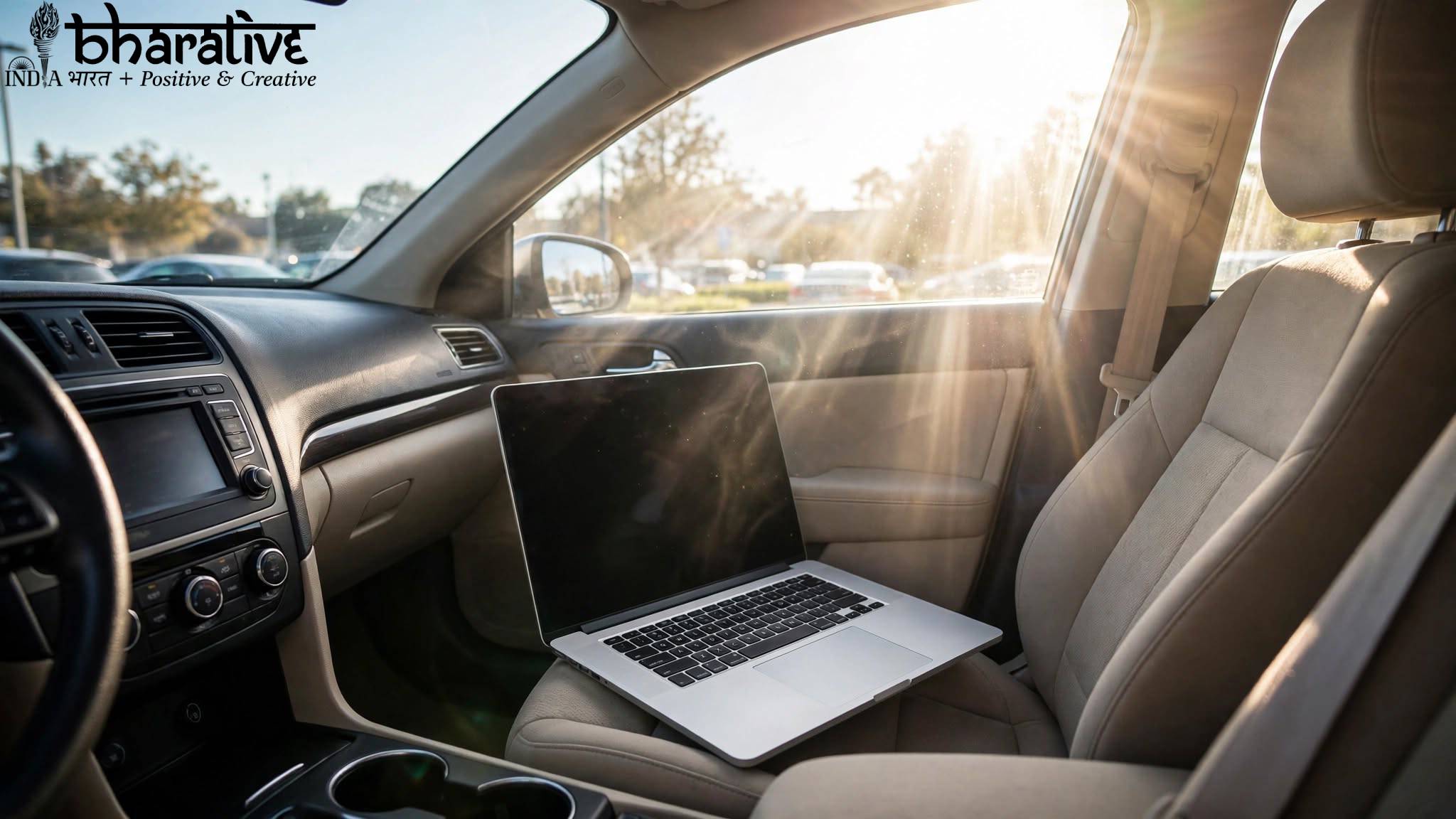
Leaving a laptop inside a hot car might seem harmless, especially if you plan to return within a short time. However, the temperature inside a parked vehicle can rise surprisingly quickly, creating conditions that may be unsafe for electronic devices.
Laptops contain sensitive components, including batteries, displays, processors, storage drives, and circuit boards. Excessive heat can affect their performance and, in some situations, cause permanent damage.
In this guide, we’ll explain what can happen when a laptop is left in a hot car, how heat affects different components, what warning signs to watch for, and how you can protect your device.
Why Is Heat Dangerous for Laptops?
Electronic devices are designed to operate within specific temperature ranges. When temperatures become too high, internal components can struggle to function properly.
A parked car can become significantly hotter than the outdoor temperature, especially when exposed to direct sunlight. Even if the laptop is switched off, the heat surrounding it can still affect the battery, display, casing, and internal hardware.
Prolonged exposure to excessive temperatures may lead to reduced battery life, performance problems, screen damage, and other hardware issues.
What Happens When You Leave a Laptop in a Hot Car?
The level of damage depends on several factors, including the outside temperature, how long the laptop remains in the vehicle, and where it is stored.
Here are some of the most common risks.
1. Battery Damage
Laptop batteries are particularly sensitive to extreme temperatures. Excessive heat can accelerate battery degradation and reduce its ability to hold a charge.
Possible battery-related problems include:
- Reduced battery capacity
- Faster battery drain
- Unexpected shutdowns
- Battery swelling
- Permanent battery failure
If you notice that the laptop casing is expanding or the battery appears swollen, stop using the device and have it inspected professionally.
2. Screen and Display Problems
High temperatures can also affect laptop displays.
Extended exposure to heat may contribute to problems such as:
- Screen discoloration
- Flickering
- Display fading
- Dead pixels
- Image distortion
In severe situations, rapid temperature changes may also place additional stress on the screen and its internal components.
3. Internal Component Damage
A laptop contains many delicate electronic components, including the processor, motherboard, storage system, and memory.
Extreme heat may affect these components and potentially cause:
- Slow performance
- Unexpected crashes
- Random shutdowns
- Boot problems
- Hardware failure
Modern laptops include thermal protection systems, but these systems are mainly designed to manage heat generated while the laptop is operating. They cannot completely protect the device from extreme environmental temperatures.
Signs Your Laptop May Have Heat Damage
If you accidentally leave your laptop inside a hot vehicle, inspect it carefully before using it.
Some possible warning signs include:
- Battery draining unusually quickly
- The laptop becoming excessively hot during normal use
- Screen flickering or showing unusual colors
- Unexpected shutdowns
- Slower performance than usual
- Strange fan behavior
- A swollen battery or distorted laptop casing
- Difficulty turning the device on
If you notice serious physical damage or battery swelling, avoid continuing to use the laptop until it has been checked.
Is Your Laptop Safe If It Is Turned Off?
Turning your laptop off is better than leaving it running because the device will not generate additional internal heat.
However, switching it off does not make it completely safe from high temperatures.
The external heat inside the car can still affect the battery, display, and other components. Sleep mode also does not provide protection against environmental heat.
The safest option is to avoid leaving your laptop inside a hot car whenever possible.
What Should You Do If Your Laptop Gets Too Hot?
If your laptop has been exposed to excessive heat, don’t immediately turn it on and begin using it.
Instead, follow these steps:
Turn It Off
If the laptop is still running, shut it down safely.
Move It to a Cooler Area
Take the device out of the hot environment and place it somewhere shaded and well ventilated.
Allow It to Cool Naturally
Let the laptop gradually return to room temperature.
Avoid placing it in a refrigerator, freezer, or directly in front of extremely cold air, as sudden temperature changes can create additional problems.
Inspect the Device
Check the laptop for visible signs of damage, especially around the battery and screen.
Test It Carefully
Once the device has cooled, turn it on and check whether everything is working normally.
How to Protect Your Laptop From Heat Damage
Preventing heat exposure is much easier than dealing with damaged hardware later.
1. Avoid Leaving It Inside the Car
The best solution is simple: take your laptop with you whenever possible.
Even a short period inside a hot vehicle can expose your device to temperatures higher than recommended.
2. Keep It Out of Direct Sunlight
If you must temporarily store your laptop, keep it away from direct sunlight.
Direct sunlight can quickly increase the temperature of the laptop’s casing.
3. Use a Protective Laptop Bag
A padded laptop bag can provide physical protection and some insulation.
However, remember that a normal laptop bag cannot completely protect your device from extreme heat.
4. Let the Laptop Cool Before Using It
If the laptop feels unusually warm after being stored in a hot environment, give it time to cool naturally before turning it on.
Using an already overheated device can place additional stress on its internal components.
5. Back Up Important Data
Heat and hardware failures can sometimes affect storage devices.
Regularly backing up important files to cloud storage or an external drive can help protect your data.
What Temperature Is Safe for a Laptop?
The ideal operating temperature varies depending on the manufacturer and model.
Many laptops are designed to operate comfortably within typical indoor temperatures, while storage temperature ranges may be wider.
Always check the manufacturer’s official specifications for your particular laptop.
As a general rule, extremely hot environments should be avoided. A car parked in direct sunlight can become much hotter than the outside temperature, creating conditions that may exceed the recommended limits for electronic devices.
Can a Laptop Be Left in a Car for a Few Hours?
Leaving a laptop inside a hot car for several hours is not recommended.
The longer the device remains exposed to excessive heat, the greater the potential risk to its battery and other components.
If you know you will be away from your vehicle for an extended period, take the laptop with you or store it somewhere with a controlled temperature.
Common Myths About Laptops and Hot Cars
Myth: Turning the Laptop Off Makes It Completely Safe
Turning the laptop off reduces internal heat generation, but it does not protect the device from the extreme temperature inside the vehicle.
Myth: A Laptop Bag Will Completely Protect It
A bag may provide some insulation, but it cannot guarantee protection from prolonged exposure to extreme heat.
Myth: Only the Battery Is Affected
Heat can potentially affect multiple parts of the laptop, including the display, storage, motherboard, and other internal components.
Frequently Asked Questions
Can I leave my laptop in a hot car for two hours?
It is generally best to avoid leaving a laptop in a hot car for any extended period. The temperature inside a parked vehicle can rise quickly and may expose the device to conditions outside its recommended operating or storage range.
What should I do if my laptop was left in a hot car?
Move the laptop to a cooler environment and allow it to return gradually to room temperature. Inspect it for visible damage before using it.
Can heat damage a laptop battery?
Yes. High temperatures can accelerate battery degradation and may reduce battery capacity and overall lifespan.
Can heat affect laptop data?
Extreme temperatures can potentially contribute to hardware problems. Keeping regular backups is the best way to protect important files.
Is it safe to put a hot laptop in the refrigerator?
No. Rapid cooling can create condensation and expose internal components to moisture. Allow the laptop to cool naturally at room temperature instead.
Can a laptop bag protect against extreme heat?
A laptop bag may provide limited insulation, but it cannot completely protect a device from prolonged exposure to high temperatures.
Final Thoughts
Leaving a laptop inside a hot car can create unnecessary risks for your device. High temperatures may affect the battery, display, internal components, and overall performance.
The safest approach is to avoid leaving your laptop inside a parked vehicle, especially during hot weather. If your device is accidentally exposed to high temperatures, allow it to cool gradually before turning it on.
By protecting your laptop from extreme heat and following the manufacturer’s recommended temperature guidelines, you can help maintain its performance, battery health, and lifespan.
You may also like ...