
How to Play Google Block Breaker: Complete Beginner to Pro Guide
How to Play Google Block Breaker: The Right Way
Google Block Breaker turns your regular browser into a mini arcade within seconds. No installation, no registration, and no distractions — just classic brick-breaking fun directly inside Google Search.
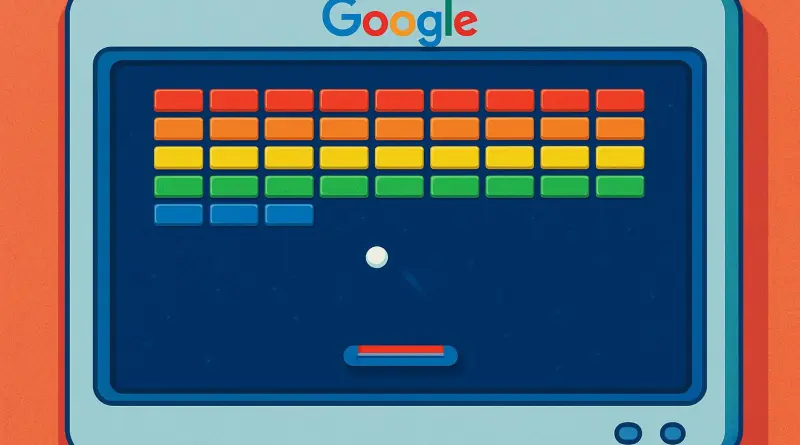
This hidden game is perfect for quick breaks, stress relief, or a dose of nostalgia. It brings back the legendary arcade experience with modern visuals and smooth controls.
This hidden game is perfect for quick breaks, stress relief, or a dose of nostalgia. It brings back the legendary arcade experience with modern visuals and smooth controls.
This hidden game is perfect for quick breaks, stress relief, or a dose of nostalgia. It brings back the legendary arcade experience with modern visuals and smooth controls.
What Is Google Block Breaker?
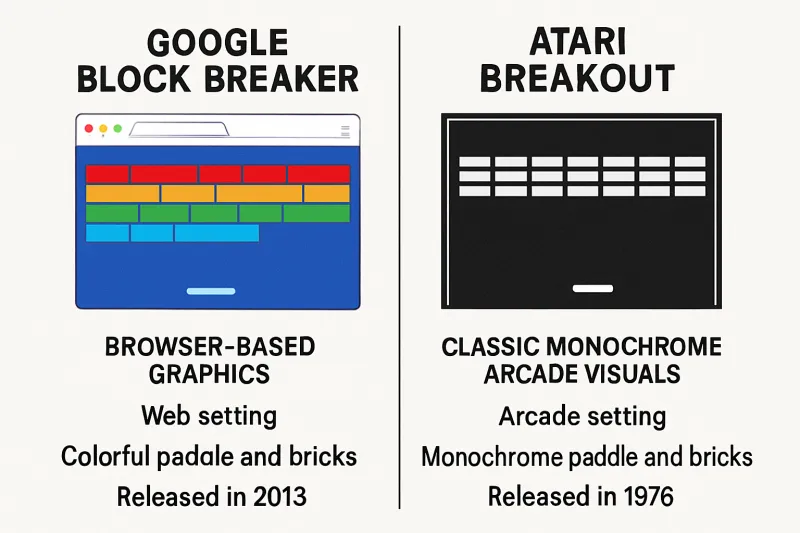
Google Block Breaker is a free browser-based game inspired by the iconic Atari Breakout released in 1976. It follows the same simple concept:
- Control a paddle
- Bounce a ball
- Break all the blocks
- Don’t let the ball fall
Google modernized this formula with colorful graphics, power-ups, and more than 100 levels.
Unlike most games today, there are:
- No ads
- No microtransactions
- No downloads
- No accounts
Just search and play instantly.
Step-by-Step:
- Open Google.com
- Search “Block Breaker”
- Click the Play button on the game card
- Start playing instantly
If it doesn’t appear in your region, try:
- “Rompebloques” (Spanish)
- Or visit the mirror site elgoog.im
Controls & Settings
On Desktop:
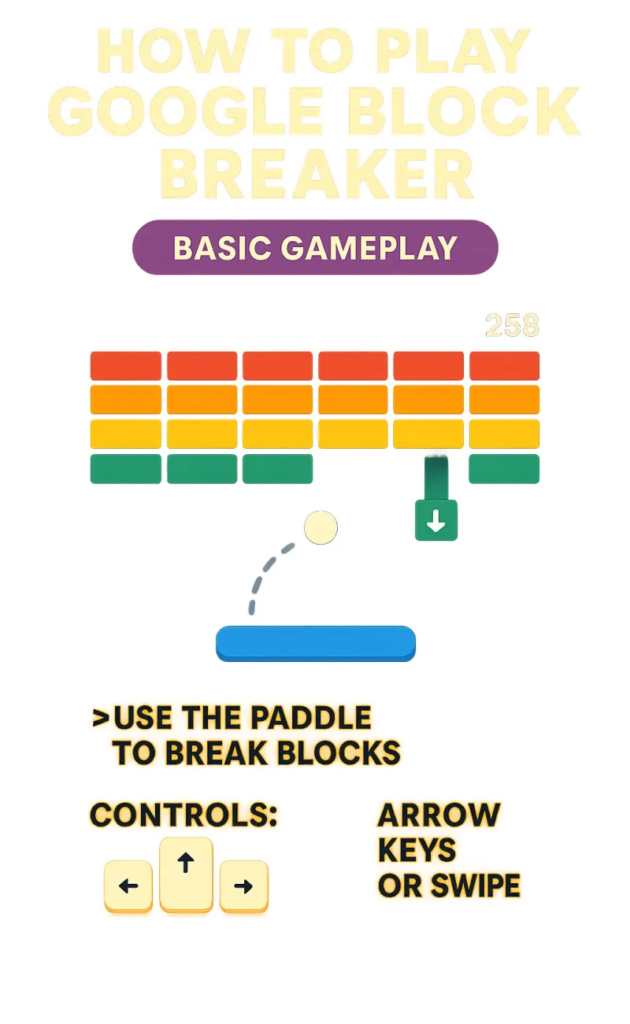
- Move paddle: Left / Right arrow keys or mouse
- Launch ball: Spacebar or mouse click
On Mobile:
- Move paddle: Swipe left or right
- Launch ball: Tap screen
Useful Features:
- Sound toggle
- Auto-pause when switching tabs
- Full-screen support
- No lag or loading screens
Core Gameplay Mechanics
The physics in Google Block Breaker are carefully designed.
Paddle Physics:
- Center hit = straight shot
- Edge hit = angled shot
Block Types:
- Normal blocks: 1 hit
- Strong blocks: 2–3 hits
- Indestructible blocks: cannot be broken
Power-Ups Explained
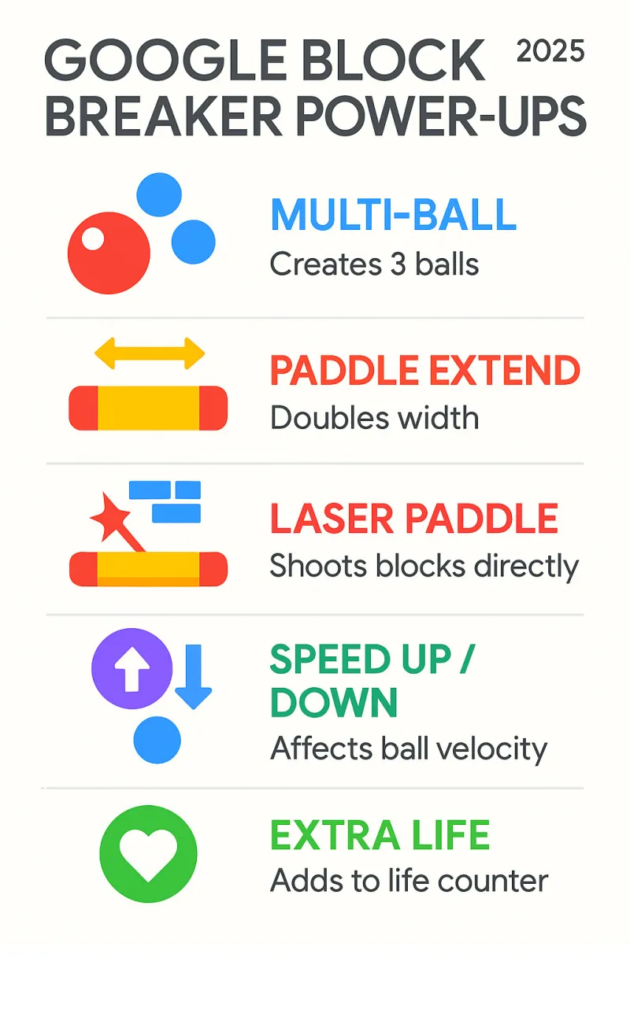
Power-ups fall from destroyed blocks.
Common Power-Ups:
- Multi-ball – splits into 3 balls
- Wide paddle – easier control
- Speed boost – faster gameplay
- Sticky paddle – catches ball
Each power-up can dramatically change your strategy.
Levels & Progression
Google Block Breaker includes 100+ levels, with:
- Simple layouts at first
- Complex patterns later
- Traps, barriers, and tight angles
Important:
The game does not save progress.
Every session starts fresh — just like real arcade machines.
How to Access Google Block Breaker
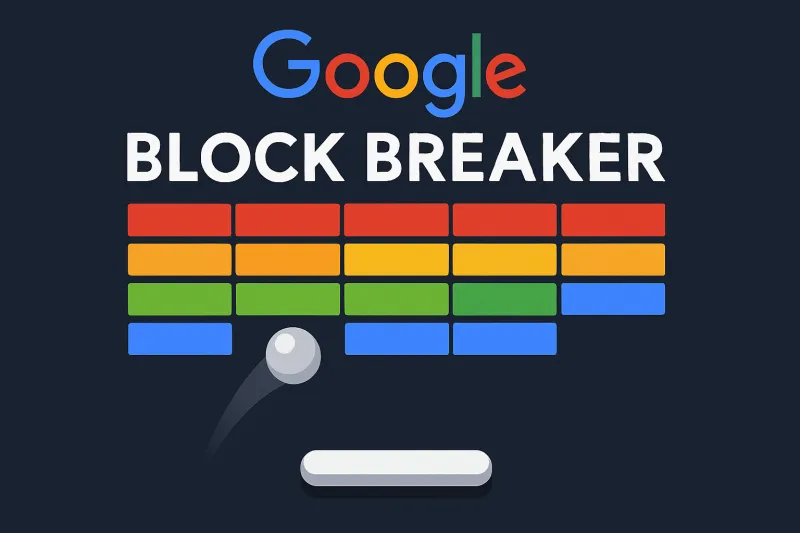
Playing Google Block Breaker takes less than 10 seconds.
Scoring System
How Points Work:
- Standard block = 10 points
- Level completion = +50 bonus
- Combo hits = multiplier
Higher-level blocks give more points but are harder to reach.
Best Strategies to Win
1. Use Paddle Edges
Edge shots create sharp angles that clear blocks faster.
2. Create Gaps
Punch holes in block walls to hit back rows.
3. Stay Calm with Multi-Ball
Focus on lower screen area, not all balls.
4. Use Indestructible Blocks
Bounce off them to reach tricky sections.
5. Small Movements Beat Panic
Controlled paddle motion = better accuracy.
Advanced Tips for Pro Players
- Predict ball movement
- Use blocks as angle tools
- Master center-paddle saves
- Practice difficult levels repeatedly
- Don’t chase every ball — position smartly
High-level play is about anticipation, not reaction.
Google Block Breaker vs Atari Breakout
| Feature | Google Block Breaker | Atari Breakout |
| Platform | Browser | Arcade |
| Cost | Free | Paid |
| Graphics | Modern | Black & white |
| Power-ups | Yes | No |
| Levels | 100+ | Single |
| Mobile | Yes | No |
| Ads | None | None |
Google kept the soul of Breakout but upgraded everything else.
Why Block Breaker Games Never Die
Block-breaking games work because they deliver:
- Instant rewards
- Short sessions
- No learning curve
- Stress reduction
- Focused gameplay
They activate the brain’s reward loop, making them addictive without being overwhelming.
They’re perfect for:
- Office breaks
- Travel time
- Waiting rooms
- Mental resets
FAQs About Google Block Breaker
Is Google Block Breaker free?
Yes. 100% free forever.
Does it work on all devices?
Yes. Works on Windows, Mac, Android, iOS, Linux.
Can I save progress?
No. Progress resets each session.
Are there leaderboards?
No official leaderboard, but you can share scores.
Is internet required?
Yes, since it runs inside Google Search.
Final Thoughts

Google Block Breaker proves that great games don’t need big budgets, long tutorials, or addictive monetization systems.
It offers:
- Pure gameplay
- Zero friction
- Instant fun
- Real nostalgia

You may also like ...